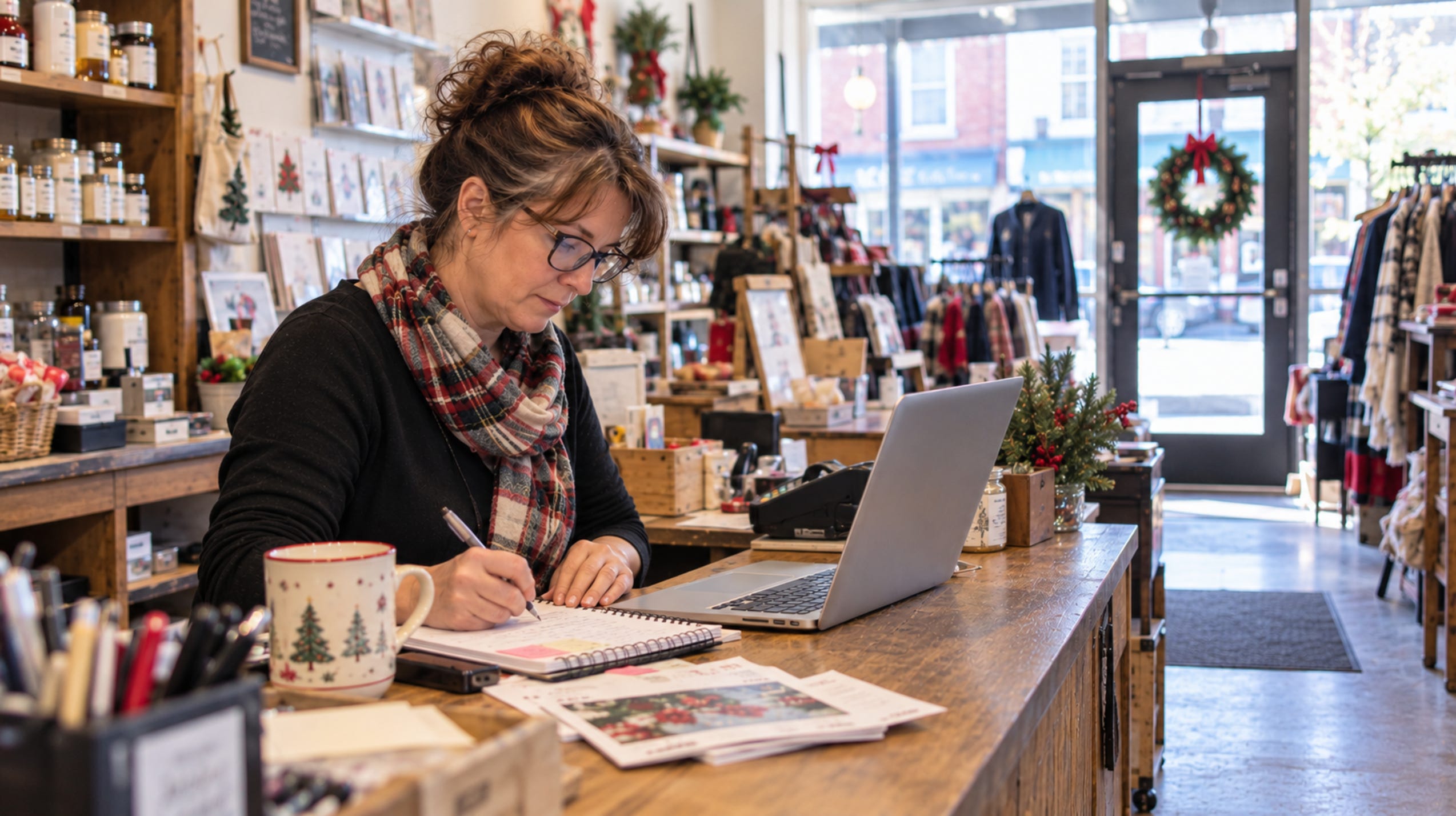
If you’re planning a holiday sale, store open house or special event, you’ve probably got a pretty good idea of what needs to happen before the big day.
There’s merchandise to order, displays to arrange and staff schedules to organize.
But how are you going to let people know about it?
Facebook and Instagram may be the first places you turn, and it’s tempting to think more posts will automatically mean more people hear about it.
You don’t have to post every day. I’d rather see a business prepare a few useful messages ahead of time and share them where customers are most likely to see them.
Start with what people need to know
Before creating any promotional materials, get the details of your event together.
Make sure you can answer these questions:
What’s happening?
When is it happening?
Where is it happening?
What can people expect?
Why would someone want to attend?
Spend a little more time on that last question.
Let’s say you’re holding a holiday open house at your retail store.
Of course, customers need the date, time and location. But those details alone don’t tell them much about why they should come.
Have you brought in new holiday merchandise? Are there gift ideas they might not find anywhere else? Will you have special pricing, refreshments or an opportunity to enjoy some holiday shopping downtown?
Think about what makes your event worth attending and include those details in your promotion.
These details will give you something to work with when you prepare your Facebook Event, social media posts and emails.
Think beyond Facebook and Instagram
Social media is useful, but I wouldn’t rely on it alone. On Facebook, there’s also a difference between creating an Event and publishing a regular post.
Create a Facebook Event. This gives your event its own page where people can find the date, time, location and other details. They can indicate they’re interested or going, share it with friends and return to the page for updates.
Publish regular Facebook posts. These appear on your business Page. Use them to announce the event, show products, share special offers and remind people as the date approaches. Share your Facebook Event in a regular post so customers can find the details.
Local Facebook groups are worth considering, too. Check which groups allow businesses to share events and whether you can post as your business Page. Share your Facebook Event or an announcement in the groups that are relevant to your community.
On Instagram, consider posts, photos, videos, Stories or Reels.
But what about the customers who don’t follow you on social media, or who might miss your posts?
Other ways to reach them include:
Email: Send an invitation to your subscribers, followed by a reminder closer to the event. Your email list includes people who have already shown an interest in your business.
In-store promotion: Put up a sign near your entrance or checkout. Mention the event when you’re talking to customers.
Community calendars: Look for local online calendars and community event listings where you can submit your information.
Other local businesses: If you’re part of a downtown shopping event or working with neighbouring businesses, help promote one another.
Choose the channels your customers actually pay attention to.
Get your promotional content ready before you start
Prepare as much promotional content as you can before you announce the event.
Once you’ve chosen where to promote it, make a list. You might need:
A Facebook Event with all the details.
A few regular Facebook or Instagram posts.
Photos of products, displays or special offers.
An email invitation and reminder.
A poster or sign for your store.
Event information for community calendars and local Facebook groups.
Write your captions, choose your photos, create your graphics and prepare your emails before your two-week promotional schedule begins.
Schedule your social media posts in advance, too, so they go out on the days you’ve chosen.
Leave room for a photo of a new arrival or a last-minute update. With the main content ready, you won’t be trying to write posts while preparing for the event.
Here’s a simple two-week promotional plan
Let’s use a holiday store open house as an example.
Your event is two weeks away and most of your content is ready. Here’s how I’d organize the promotion. You can adjust the activities based on where your customers are most likely to hear about the event.
Two weeks before: Make the announcement
On Facebook, create and publish your Facebook Event with the event name, date, time, location and details.
Then publish a regular post on your business Page announcing the event, with a link to the Facebook Event.
Share it in relevant local Facebook groups that allow event promotions.
If you’re using Instagram, publish an announcement post or Story.
Send your first email invitation, put up your in-store signs and submit the event information to local community calendars.
One week before: Give people something to look forward to
Your first announcement has covered the basic information. Now tell customers a little more about what they’ll find.
For your next Facebook or Instagram post, choose something specific about the event.
Maybe you’ve brought in new holiday merchandise, you’re planning some special offers or you’ll have refreshments and activities for children.
Show people what you’re talking about. A photo of a new product or a short video of your holiday displays gives them a better idea of what to expect.
Add any new details to your Facebook Event page as well.
Three or four days before: Send a reminder
By now, some people may have seen your announcement but forgotten the date. Others may be interested but haven’t made plans yet.
Publish another Facebook or Instagram post. You could feature something you haven’t shown before or remind people about a particular offer or activity.
Send a short reminder to your email subscribers with the event details.
Share your Facebook Event again if you’ve added something new.
The day before: Keep it simple
A short Facebook or Instagram post with the date, time and location is usually enough.
Add a final update to your Facebook Event page if needed. If you’ve scheduled your reminder, it’s already taken care of.
On the day: One final reminder
If you’re going to post on the day of the event, make it something current.
Take a photo of your decorated store, a display you’ve just finished or the final preparations.
Share it on Facebook or Instagram with a reminder that your event is happening today.
Then you can turn your attention to the customers coming through the door.
You don’t have to keep saying the same thing
When I’m planning event promotions, I look at what each message tells customers.
It’s easy to announce an event and then follow it with several posts that all say some version of “Don’t forget!”
Reminders matter because people won’t see every post. But there’s more to talk about than the date and time.
For a holiday shopping event, your posts might:
Announce the event and explain what’s happening.
Show a few products that would make great gifts.
Share details about special offers or activities.
Highlight another participating business.
Remind people of the date, time and location.
Each post has a different purpose, and all of them can be planned ahead of time.
Make the plan work for your business
Two weeks is a starting point. A large community event may need longer, while a small sale for regular customers might need only a few days. The number of posts and emails will vary, too.
If customers regularly tell you they’ve seen your Facebook posts, keep using Facebook. If your email subscribers respond well to your newsletters, make sure you’re including them in your promotion.
Pay attention to how customers hear about your business. Don’t add promotional tasks that aren’t likely to reach them.
With your information and content prepared, you can follow the schedule while concentrating on the event itself.
Planning a holiday promotion and want to talk through your ideas?
My Marketing Brainstorm Session is a 60-minute conversation where we can discuss your plans, work through your marketing questions and figure out your next steps.
Send me a message if you’d like to book a session or book below.